

What it does
Download and check
Lists the Roxora images for your board, downloads the one you choose and checks it against the SHA-256 the release publishes.
Write and read back
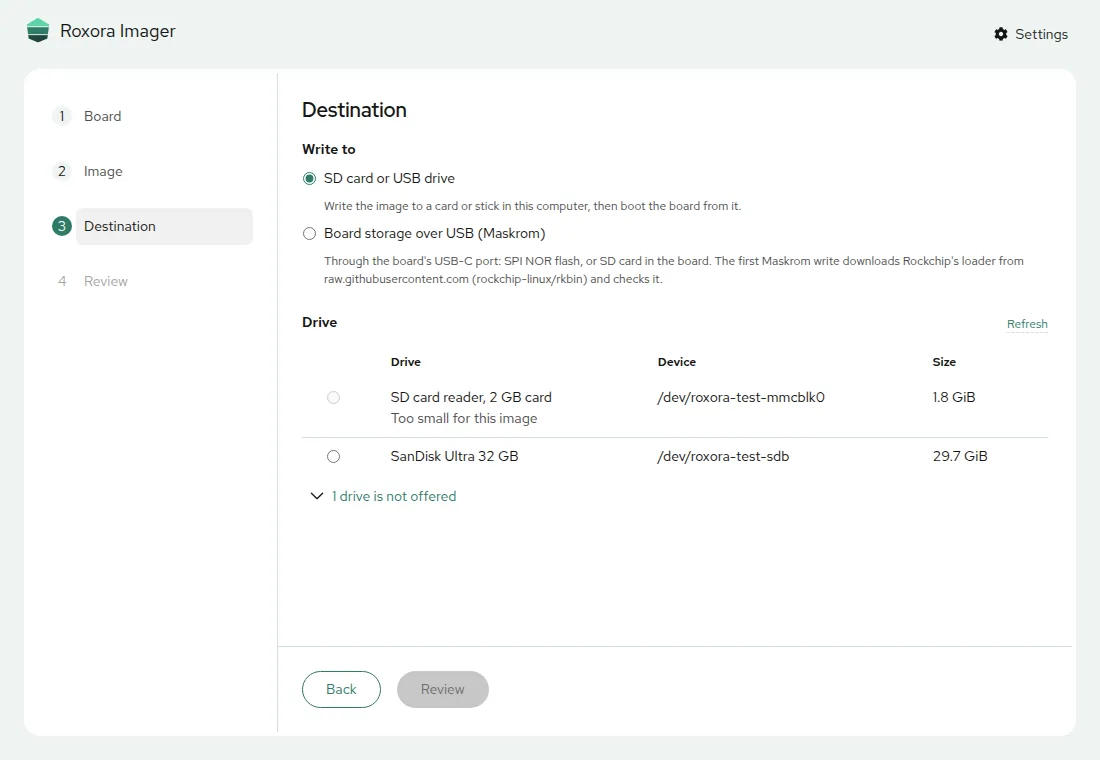
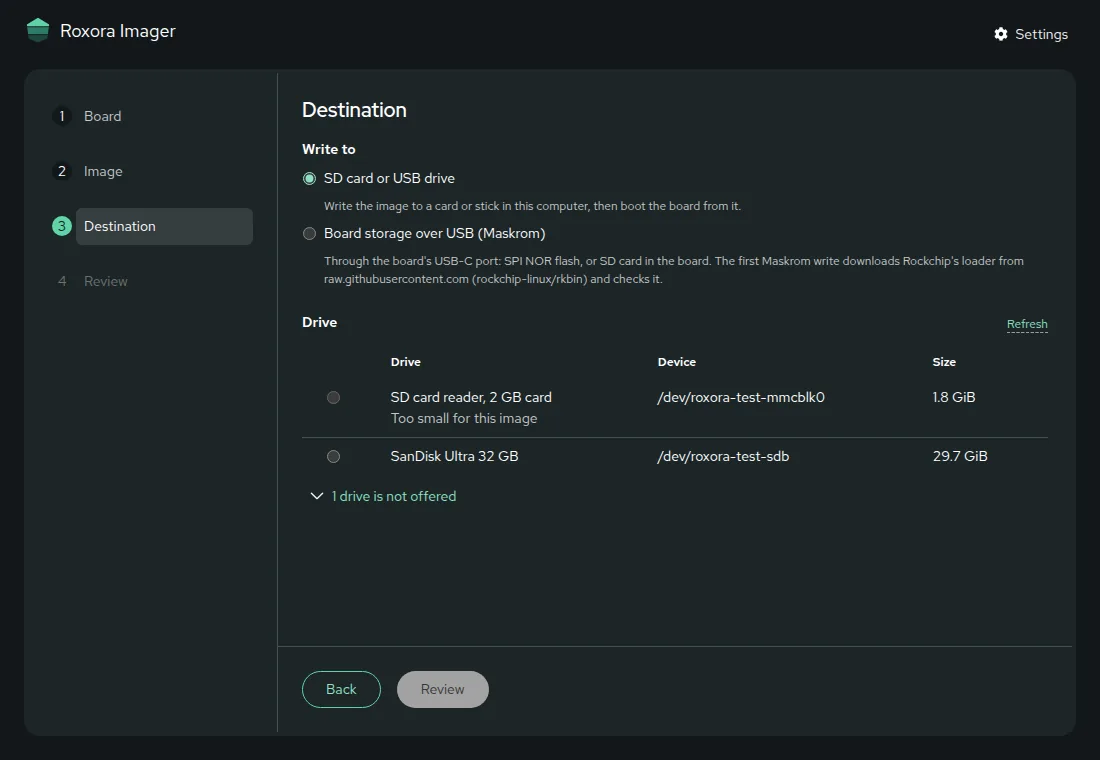
Writes it to an SD card or USB drive in this computer, then reads the card back and compares it, so a bad card shows before the board does.
Write the board over USB
With the board in Maskrom mode on its USB-C port, writes its eMMC, SPI flash or SD card directly, and the U-Boot a board needs in its SPI flash.
macOS
- Apple silicon
- Intel
SHA256SUMS has the SHA-256 of every file. To check a package, in the directory that holds it and SHA256SUMS:
sha256sum -c --ignore-missing SHA256SUMSOther ways to install
Install script, macOS and Linux
The script picks the package for the system, checks it against the SHA-256 GitHub publishes for it and installs it.
curl -fsSL https://raw.githubusercontent.com/roxora-os/imager/main/install.sh | shHomebrew, macOS
brew trust gahingwoo/tap
brew install --cask gahingwoo/tap/roxora-imagerUpdate with brew upgrade --cask roxora-imager; the app does not update itself.
In the browser, nothing to install
The same app runs in Chrome or Edge at roxora-os.github.io/imager. A browser cannot open a disk, so it writes a board's eMMC or SPI flash over USB only, not an SD card in the computer.
First start
Windows
SmartScreen says
Windows protected your PC, because the installer is not signed. Choose More info, then Run anyway.
macOS
The app is not notarized, so macOS says it cannot be opened. On macOS 15 and later, open it once and choose Done, then in System Settings, Privacy & Security, choose Open Anyway. On macOS 14 and earlier, right-click the app in Applications and choose Open.
Linux
Install the .deb or .rpm with the package manager, or make the AppImage executable and run it. Writing an SD card asks for your password.
Good to know
- Code signing
- The Windows and macOS packages are not signed with a publisher's certificate yet. The code signing policy says who may sign and what.
- Writing over USB
- Maskrom mode needs a driver on Windows and a udev rule for the AppImage on Linux; Installing Roxora Imager has both.